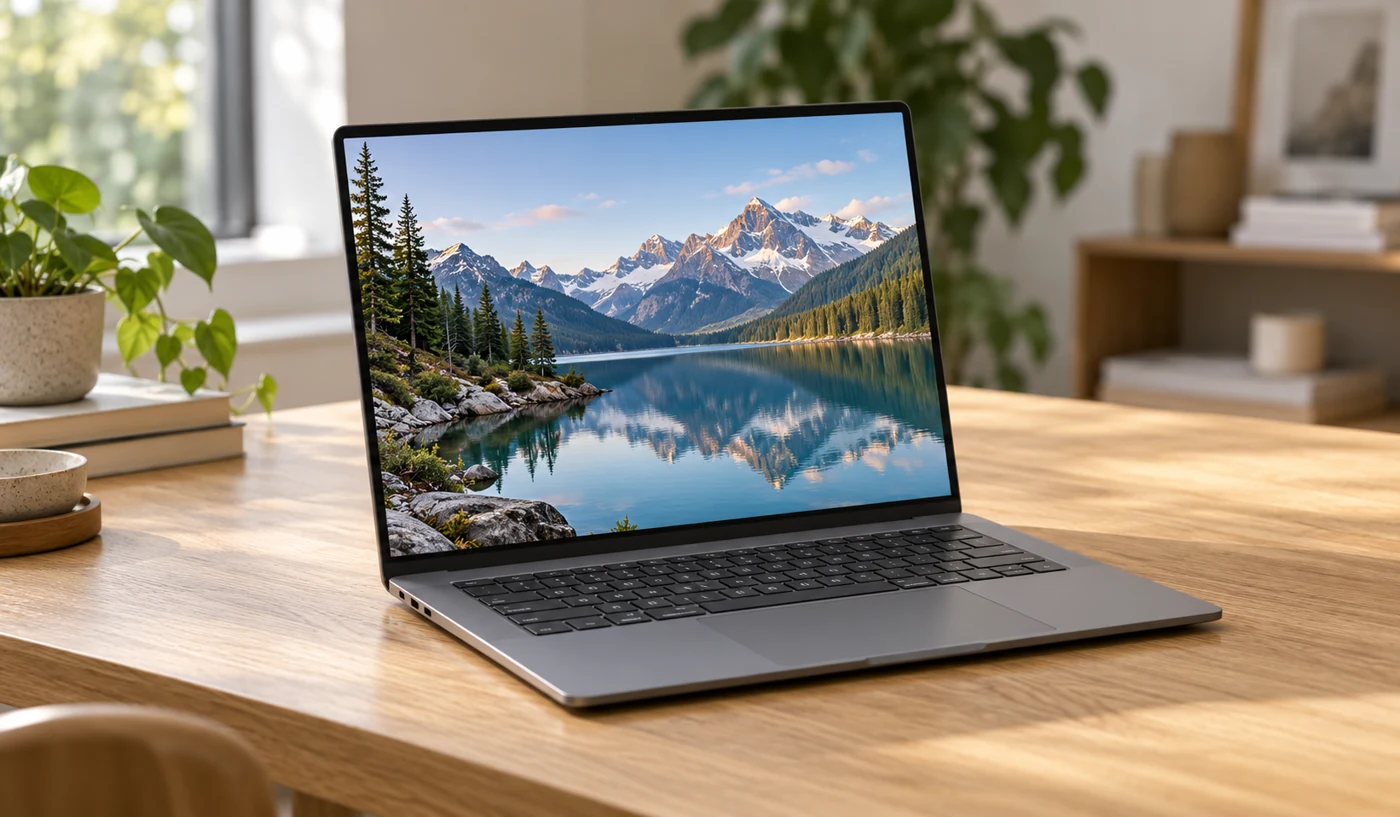
This is research-based analysis of a device category, not a hands-on test or a model ranking. Images are AI-generated illustrations. Verify the exact specifications with the manufacturer before buying.
The right everyday laptop is the one that fits your applications and habits without adding unnecessary cost or bulk. A student carrying a computer across campus, an office worker at a monitor, and a frequent traveler have different priorities. This category review sets out the choices to make before you narrow the shortlist.
Let your software make the first decision
List the applications you depend on, including any employer, school, or specialist requirements. Confirm the supported operating system and processor architecture with the software vendor. A browser-based workflow offers flexibility, but an engineering package, game, or business tool may narrow your options immediately.
Include the less obvious parts of the workflow: a printer utility, security software, a particular video-call platform, or a required external device. Compatibility is easier to confirm before purchase than after a return window closes. If your organization manages the computer, ask about its device requirements before choosing.
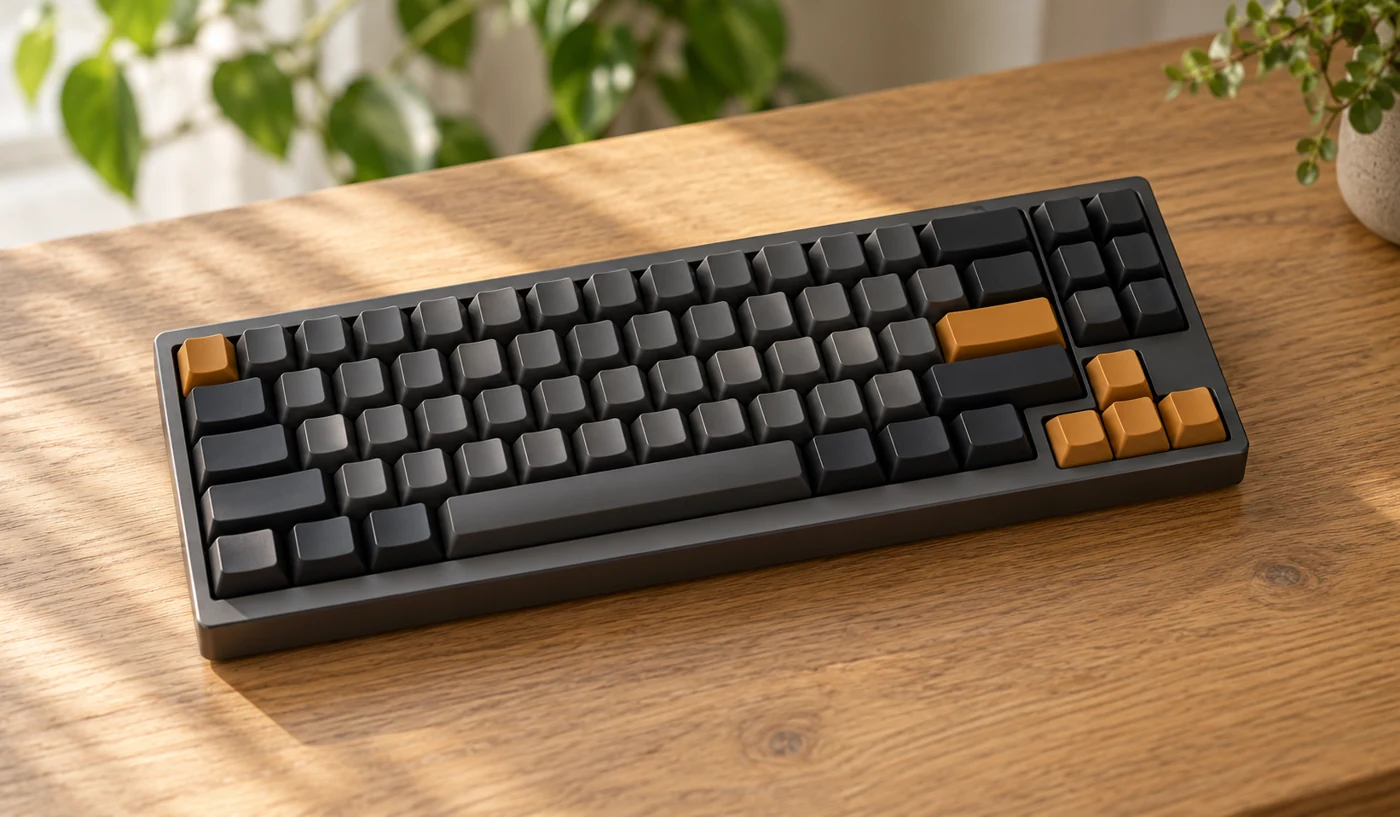
Choose a screen you want to work on
A larger panel can make side-by-side documents more comfortable, while a smaller machine is easier to carry. Compare the actual dimensions and weight, not just diagonal screen size. Check whether the display’s finish suits the places you work and whether a store demonstration uses unusually bright settings.
Look at text at the scaling setting you expect to use. More pixels do not automatically create more usable space when you need larger text. If you edit photographs or video, identify the color and display requirements of that work rather than choosing a panel from a single marketing label.
Treat memory and storage as separate choices
Memory supports active applications; storage holds files and installed software. Think about your actual mix of browser tabs, calls, spreadsheets, and creative work. Check the recommended requirements of those applications, and verify whether the exact laptop allows memory or storage upgrades.
For storage, look at what you use today and what you need available offline. Cloud storage can help with access and organization, but it introduces connection and subscription considerations. Apple’s storage guide is a useful example of how a system shows which files consume space. Leave room for operating-system updates and working files rather than filling a drive immediately.
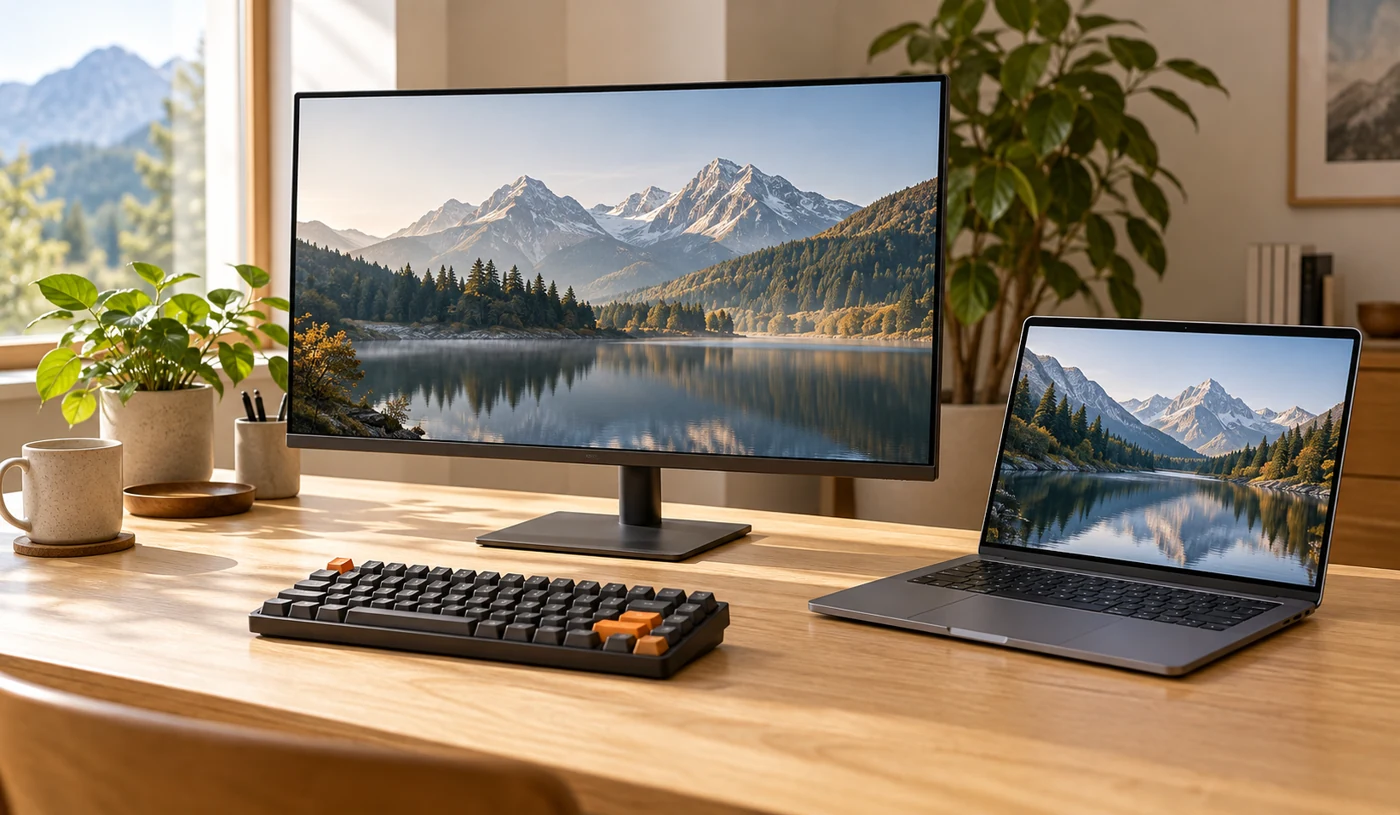
Compare the whole working day
Battery-life claims use defined workloads, so compare the stated test conditions. A video-playback figure does not describe a day of calls, downloads, or demanding applications. Check charger size and charging compatibility if you carry the machine, and look for relevant independent measurements before selecting a model.
Count the ports needed at the same time: display, power, mouse, storage, and headphones. Check the functions of each USB-C port in the model’s technical specifications. A simple hub may be enough, but its cost and size belong in your comparison. Try the keyboard and trackpad if possible, because they are the parts you use continuously.
Why consider this category
- A single device can cover mobile and desk work
- An external screen and keyboard can extend a compact setup
- A focused specification list makes comparisons easier
Trade-offs to know
- Upgrade options differ by model
- Battery claims may not reflect your workload
- Adapters and accessories add to total cost
Who this suits
Students, remote workers, and home users looking for a portable everyday computer. Specialist gaming or creative workloads need a separate shortlist.
The Gizmo Verdict
A laptop that gets the basics right.
Begin with compatibility and the screen, then choose memory, storage, and connections around your actual workload. A balanced laptop that you enjoy using is a better fit than a faster machine that is awkward to carry or connect.
Sources & editorial method
Published October 18, 2026. We consulted the official resources below for technical background and wrote our own buying framework. References to individual brands illustrate a feature or concept, rather than endorse a model. Features, availability, and documentation can change.

Found something that needs correcting? Email the editor.
